Rebuilding Vyltic's dashboard and player app
Vyltic is a padel and sports platform in Jordan: players book courts, join matches and earn loyalty rewards in the app, and clubs run their venues from a dashboard. When I took over, the club software was a thin calendar: a sign-in, one booking view, a customer list and an employee list. Everything else ran on manual, error-prone work. I rebuilt it, and the player app with it, into the system the whole platform now runs on.
The sidebar, then and now
The quickest way to see the change. The old tool covered one club's calendar and staff list. The new admin runs the whole platform: every club, every player, games, support, billing and access.
Same jobs, rebuilt
Drag the handle, or focus it and use the arrow keys, to compare the old screen with the new one.
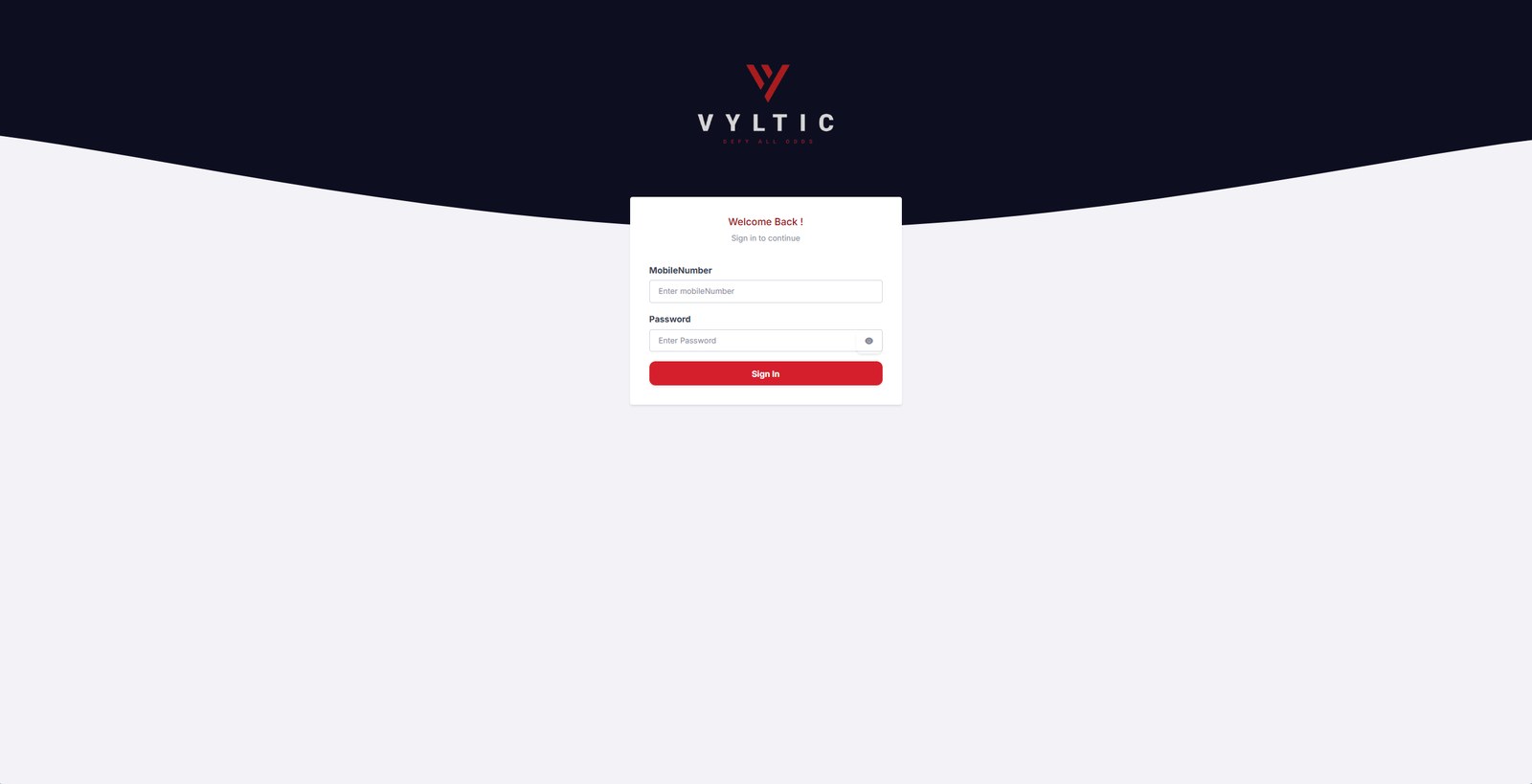
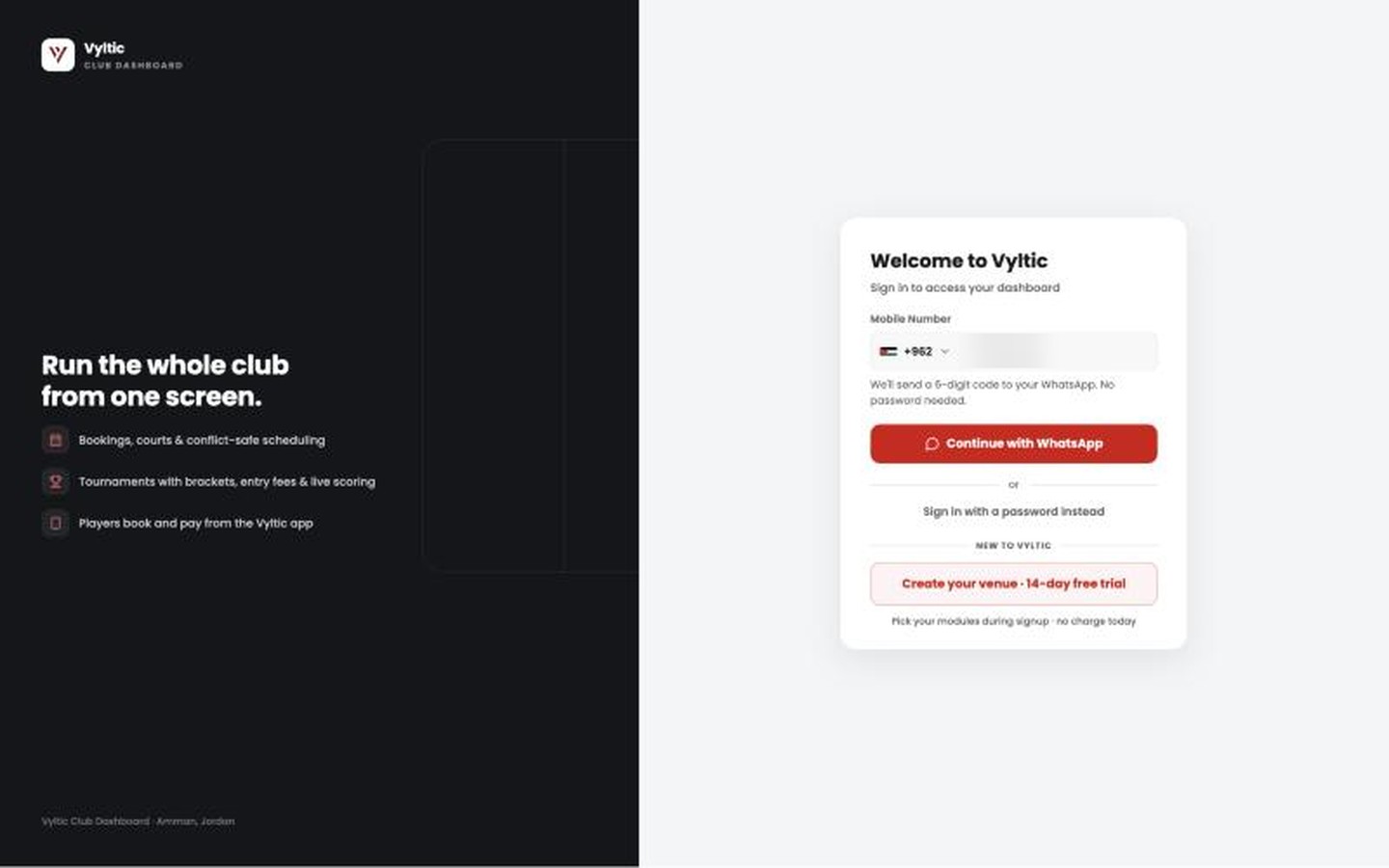
Sign in
 BeforeAfter
Mobile number and password, and nothing for a new venue to sign up with.
A one-time code over WhatsApp with a password fallback, and a self-serve signup where a new venue starts a free trial and picks its modules.
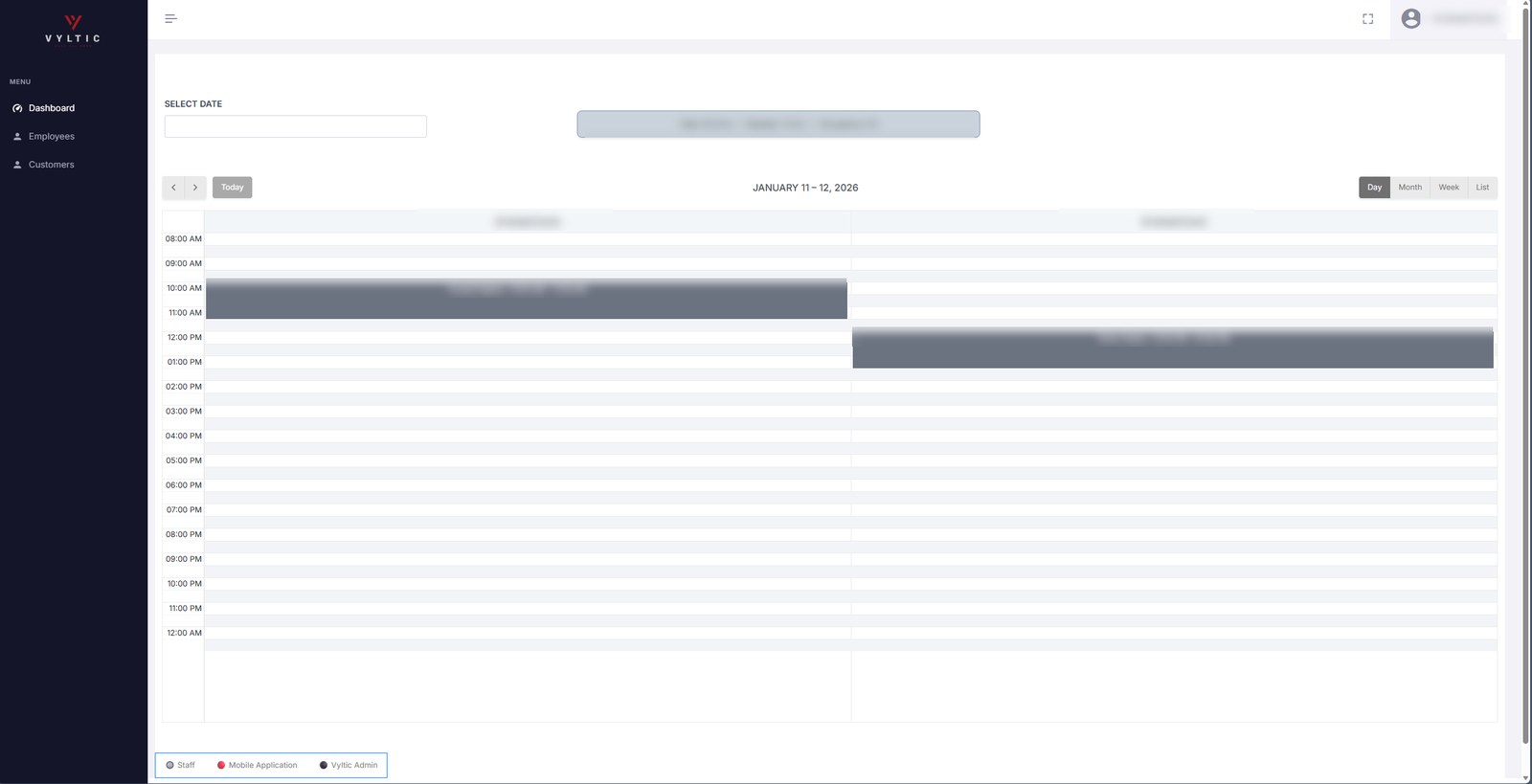
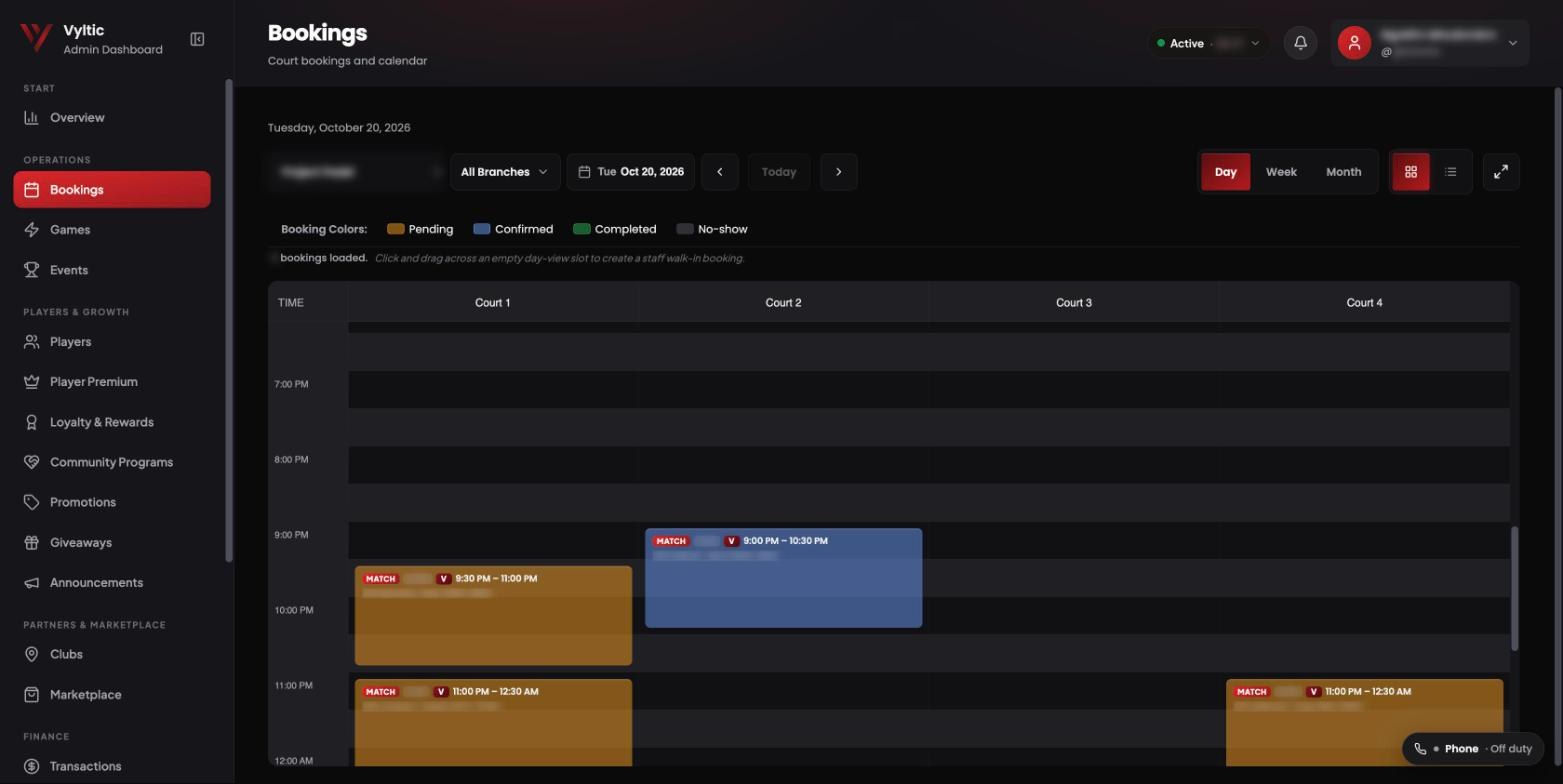
Bookings
 BeforeAfter
One calendar per club, and every booking the same grey block whatever its state.
Every club and branch in one calendar. Colour shows status at a glance (pending, confirmed, completed, no-show), matches from the app land on the right court, and staff drag across an empty slot to book a walk-in.
Customers became Players
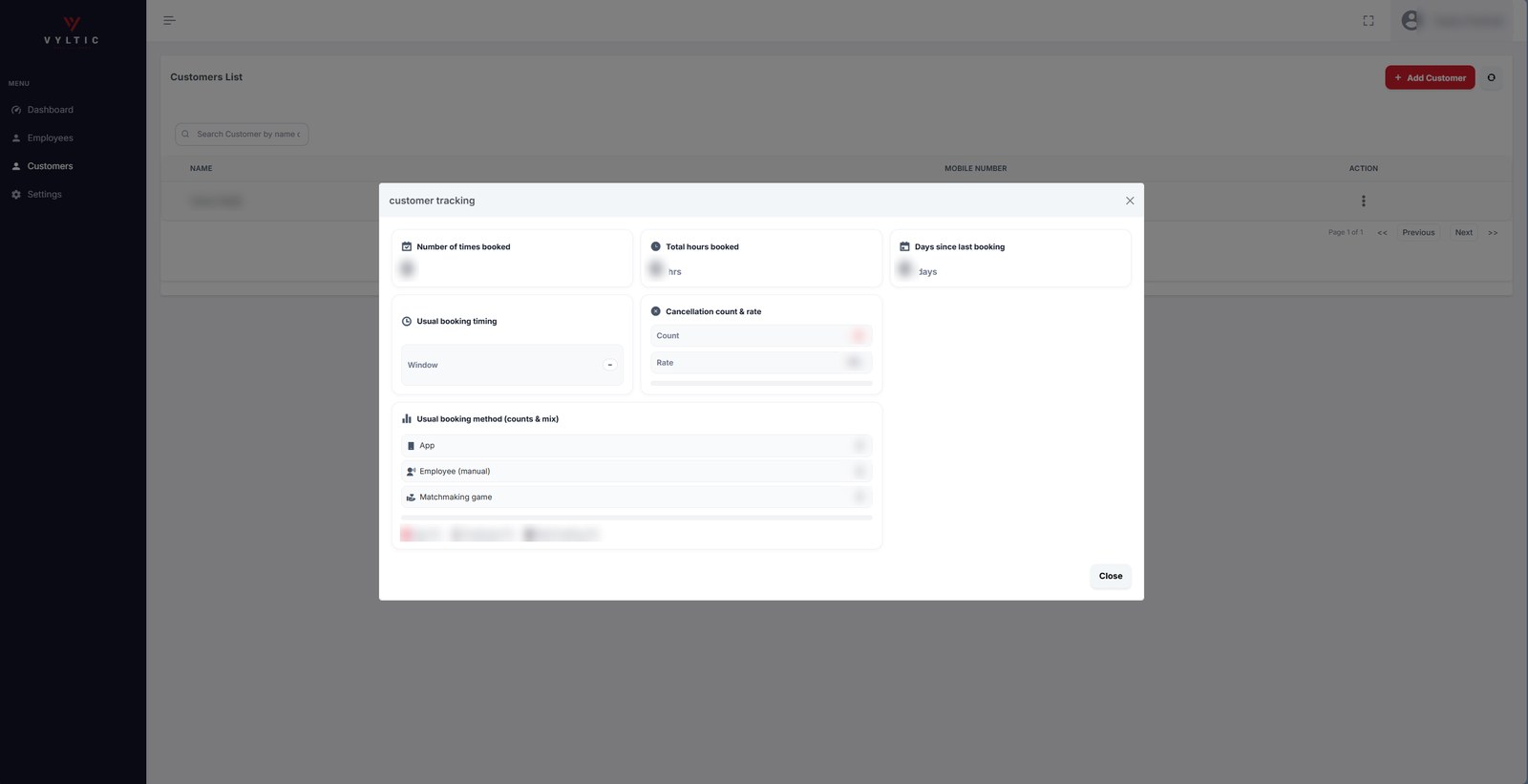
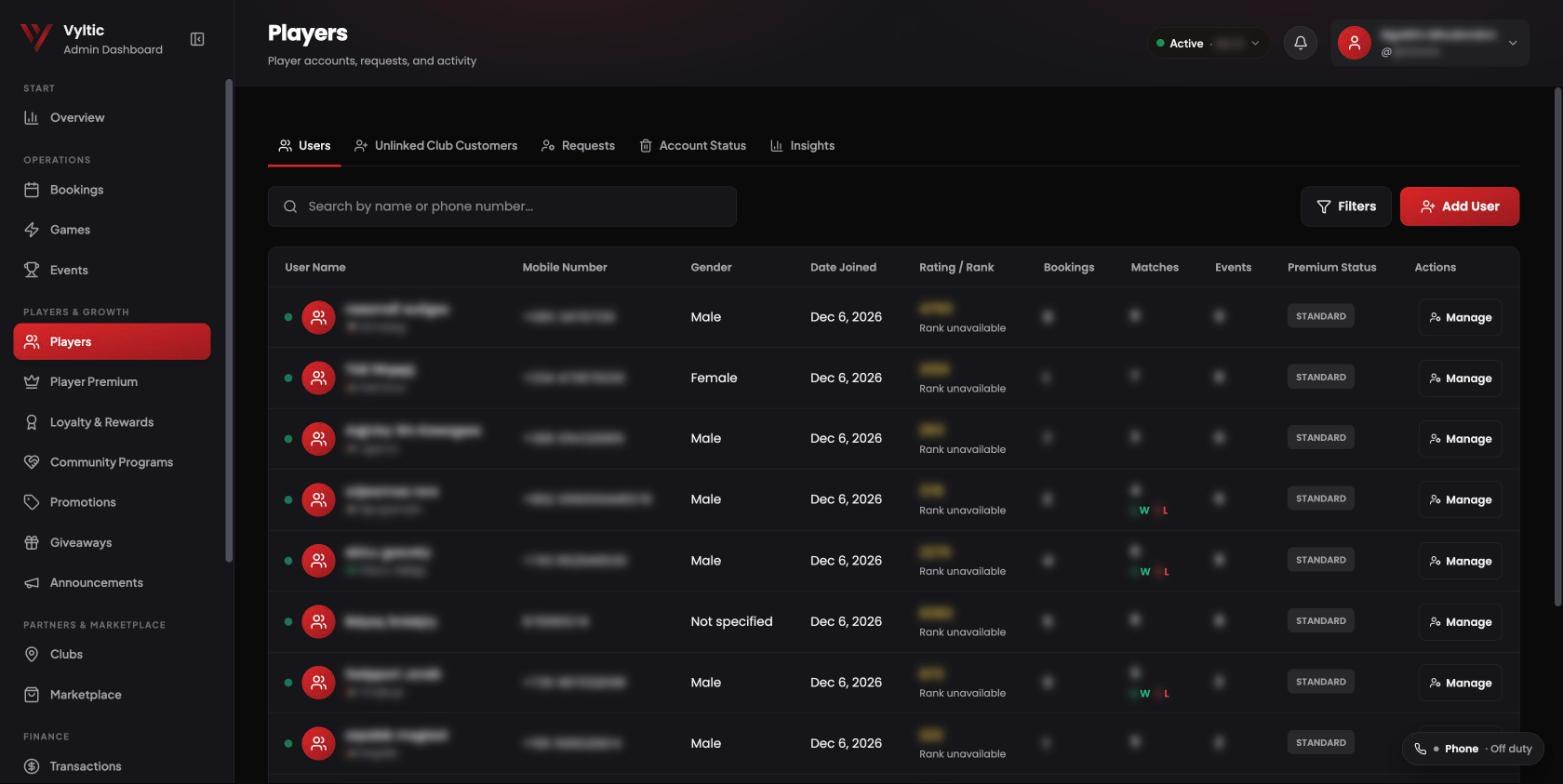 BeforeAfter
A name list, with a stats pop-up you opened one customer at a time.
A player directory with rating and rank, bookings, matches, events and premium status on one row, plus tabs for unlinked club customers, account requests, account status and insights.
Employees became Team & Access
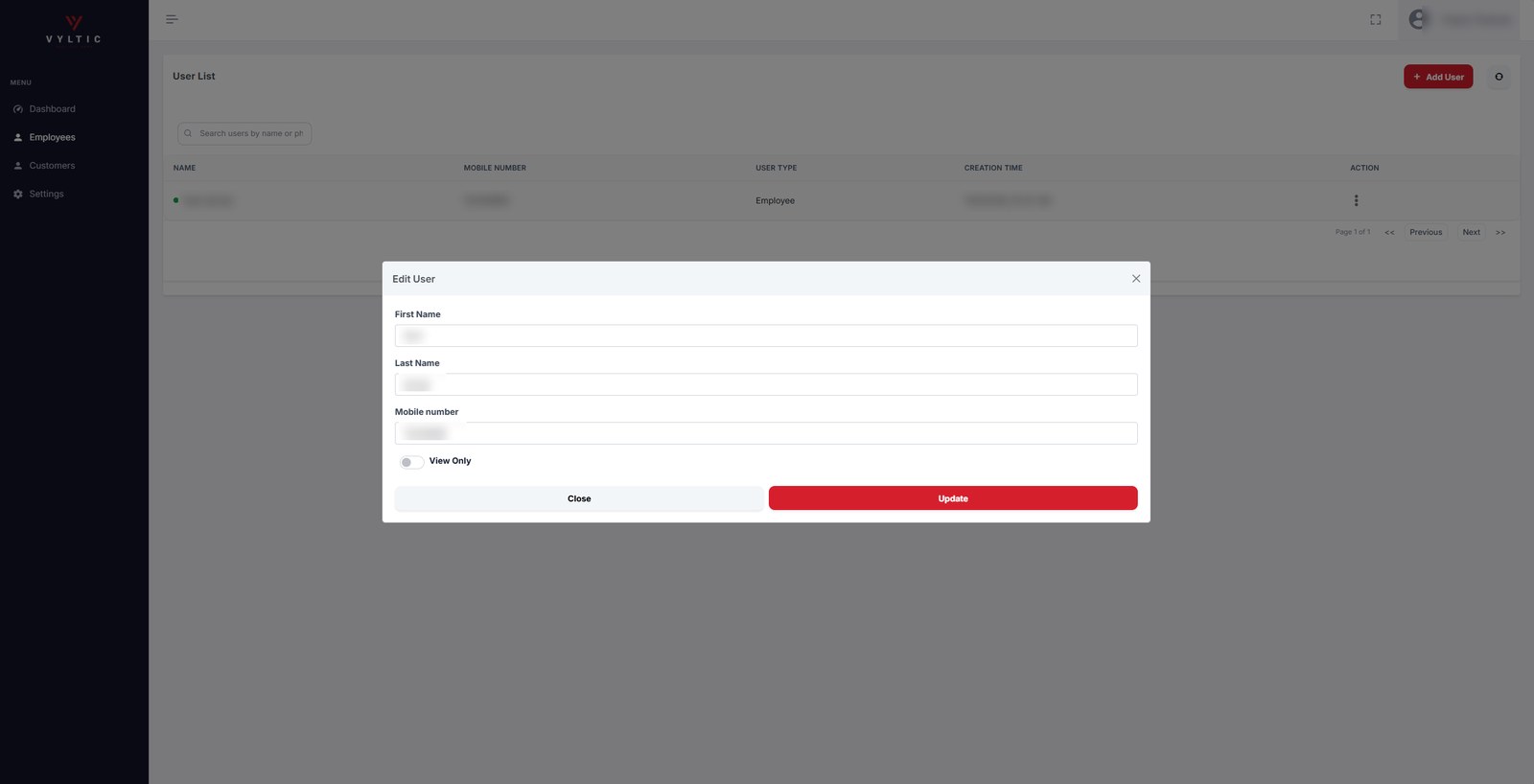
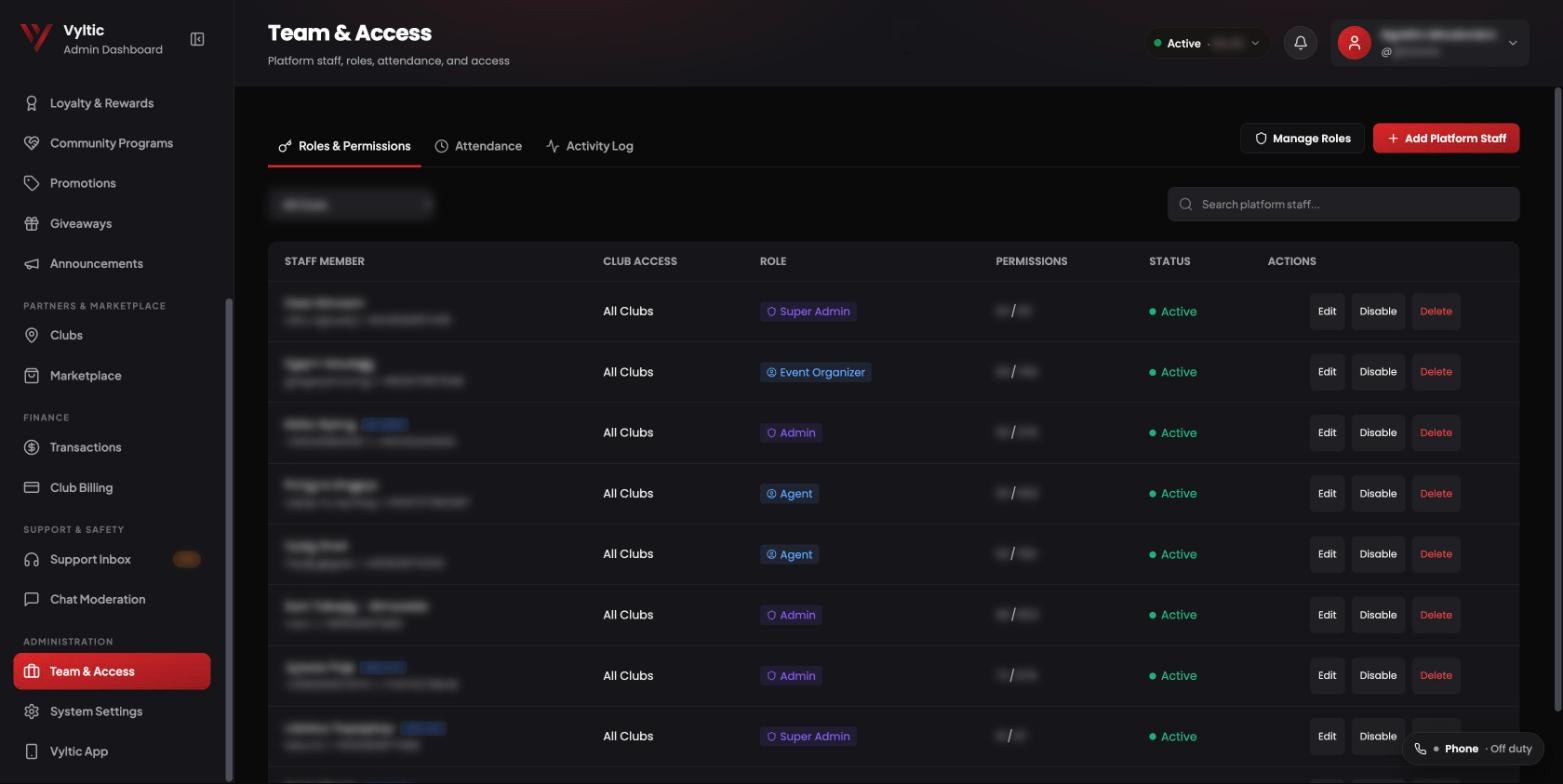 BeforeAfter
Employees with a name, a phone number and a single view-only switch.
Role-based access for platform staff: Super Admin, Admin, Agent and Event Organizer roles with granular permissions and club scope, plus attendance and an activity log.
What didn't exist before
Overview
Platform health on one screen: active players, registrations, court bookings, matchmaking fill and premium subscribers, with live system status alongside.
Games
Matchmaking operations: public and private games, team line-ups with a game rating range, one-tap calls to any player, game requests and a fill funnel.
Support Inbox
Phone calls, WhatsApp and in-app chat in one queue, with claiming, follow-ups and a supervisor view. Built in-house rather than buying a helpdesk, because the conversations with players are data the company should own.
The app, then and now
The same rebuild on the player side. The old screens are from the Play Store listing in March 2026, the new ones from the app as it is today. Tap any screen to see it larger.
Home
A greeting, a premium banner marked coming soon and four service tiles.
Booking, classes, memberships and shop up top, a weekly rewards streak, and open matches happening near you right now.
Matches
A date strip and match cards, with filters behind one icon.
One-tap filters for level, day, indoor and roofed courts, your own matches first, and a label telling you if a game fits your level.
A single match
Teams, a court photo and a waiting list.
Players and their ratings, a level fit, directions to the court, the game chat, result submission and the match rules on one screen.
Profile
Rating, rank and a long list of stat rows.
Premium status and followers, rating and Jordan rank, achievement badges, and match and tournament records.
Decisions behind it
Phones inside the dashboard
A self-hosted Asterisk PBX on a local SIP trunk, bridged to WebRTC softphones in the browser. Agents take calls where the booking and the player record already are, and answered calls play back from the Calls tab.
No cut-over day
The legacy Java backend was retired as a parallel run. The new NestJS stack serves production while old clubs stay on the legacy system behind a sync bridge, then move one at a time.
A rhythm the team keeps
Intake and triage, a severity policy, weekly ship reviews and monthly root-cause reviews. Kept as a written checklist on purpose, so it survives people changing.
- NestJS
- Prisma
- TypeScript
- React
- Vite
- Tailwind
- Flutter
- Asterisk PBX
- WebRTC
- DigitalOcean
Every screenshot is from the live product. On the admin dashboard, player and staff names, phone numbers, club names and figures are blurred.